
Workflow context
What this guide helps you accomplish
Organize documents and evidence in UnionStack so authorized users can find the right material and understand its purpose.
Evidence should be identifiable, connected to the case and protected for the intended audience while retaining its authoritative source and version.
A document is useful evidence only when its source, relevance, version and relationship to the case are understandable.
Before you begin
Prepare the following before changing shared configuration or records:
- A documented case procedure with intake criteria, participant responsibilities, progress stages and closure expectations.
- A fake member, organizational entity, agreement and supporting documents suitable for an end-to-end test.
- Users representing intake, assignment, investigation and closure responsibilities.
- Fake evidence files with known source, date, version and sensitivity.
Procedure
Complete the steps in order with fake or approved test information first. Record configuration decisions that will affect other teams.
Confirm relevance and authority
Store material that supports the case procedure and that the organization is authorized to retain. Avoid collecting unrelated personal information.
Use clear document names
Name files with a recognizable subject, document type and date where appropriate. Do not rely on a download filename generated by another system.
Connect the document to context
Attach or relate the document to the appropriate case, progress step, meeting, person or entity according to the workflow.
Record provenance when it matters
Use notes or approved metadata to identify who supplied the document, when it was received and whether it is final.
Review access and retention
Apply the organization’s access, legal hold and retention requirements. Remove duplicates through an authorized process, not informal cleanup.
Product view
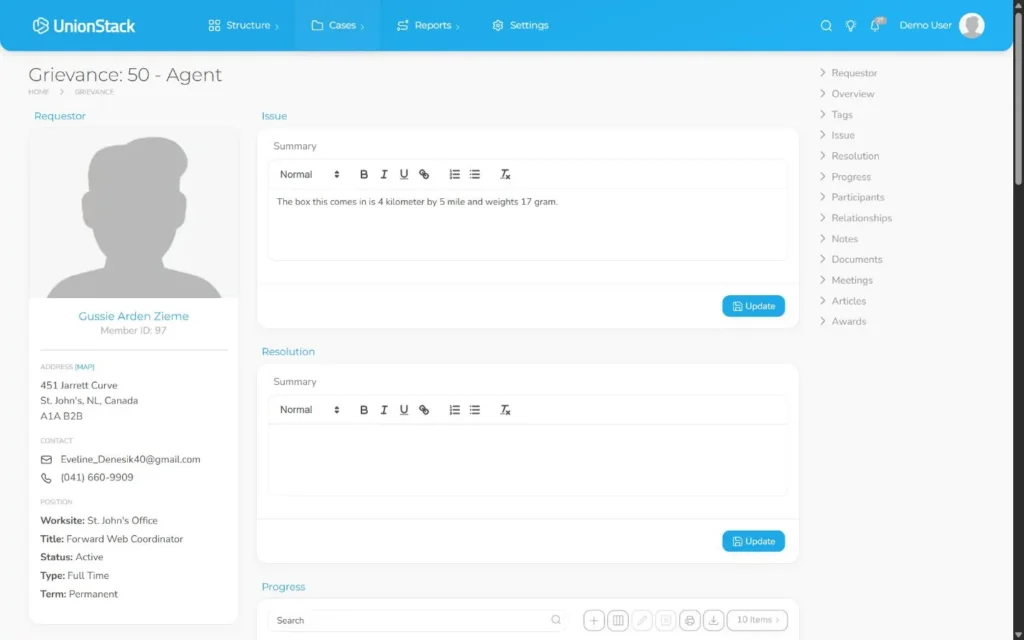
Video demonstration
Related demonstration
Progress a case from intake to outcome
This conceptual guide shares the demonstration used by the main hands-on procedure.
Watch the captioned demonstration →Troubleshooting
Use the symptoms below to diagnose the workflow before widening access, adding duplicate configuration or bypassing an intended control.
Several files have indistinguishable names
Rename or describe files according to the evidence standard, identify the authoritative version and remove unnecessary duplicates through the approved records process.
The case cannot move to the expected stage
Check the selected case type, current progress state, required information and user access. Complete or correct the missing prerequisite before bypassing the designed path.
Participants are present but responsibility is unclear
Review each participant role and the assigned UnionStack users. Use roles to describe involvement and assignments to make operational ownership explicit.
Evidence is scattered across notes, files and email
Identify the authoritative source for each item, connect the conversation or document to the case, and use notes for analysis rather than duplicate copies of evidence.
Validation checklist
Do not treat the procedure as complete until an authorized second person can reproduce the intended result.
- An authorized user can identify the source, date, version and relevance of every material test document.
- The requestor, participant roles and assigned users are unambiguous.
- Progress accurately reflects the work completed and the next required action.
- Material documents, conversations, meetings and governing articles are connected to the case.
- Closure records the approved outcome or award and leaves a usable operational history.
Version applicability
This guide was verified for UnionStack 2.0 on August 16, 2026. Available fields, types, relationships, navigation and access can vary with tenant configuration and user permissions.
Corresponding product capability
Grievance tracking software
See the feature evidence, connected workflows and buyer guidance behind this procedure.
Explore Grievance tracking software →Continue learning
Return to the UnionStack Learning Centre, or take the UnionStack product tour to see how these parts connect.